Reliable internet connectivity has become essential for businesses, remote workers, smart homes, and industrial operations. As digital services continue to expand, users need faster internet speeds, lower latency, and flexible networking solutions. A 5G WiFi router with SIM card slot is emerging as a practical option for meeting these requirements without depending entirely on traditional wired broadband connections.
By combining 5G cellular technology with wireless networking, these routers provide internet access through a compatible SIM card and share the connection with multiple devices. This approach makes high-speed connectivity more accessible in locations where installing fiber or cable infrastructure may be expensive, time-consuming, or impractical.
What Is a 5G WiFi Router with a SIM Card Slot?
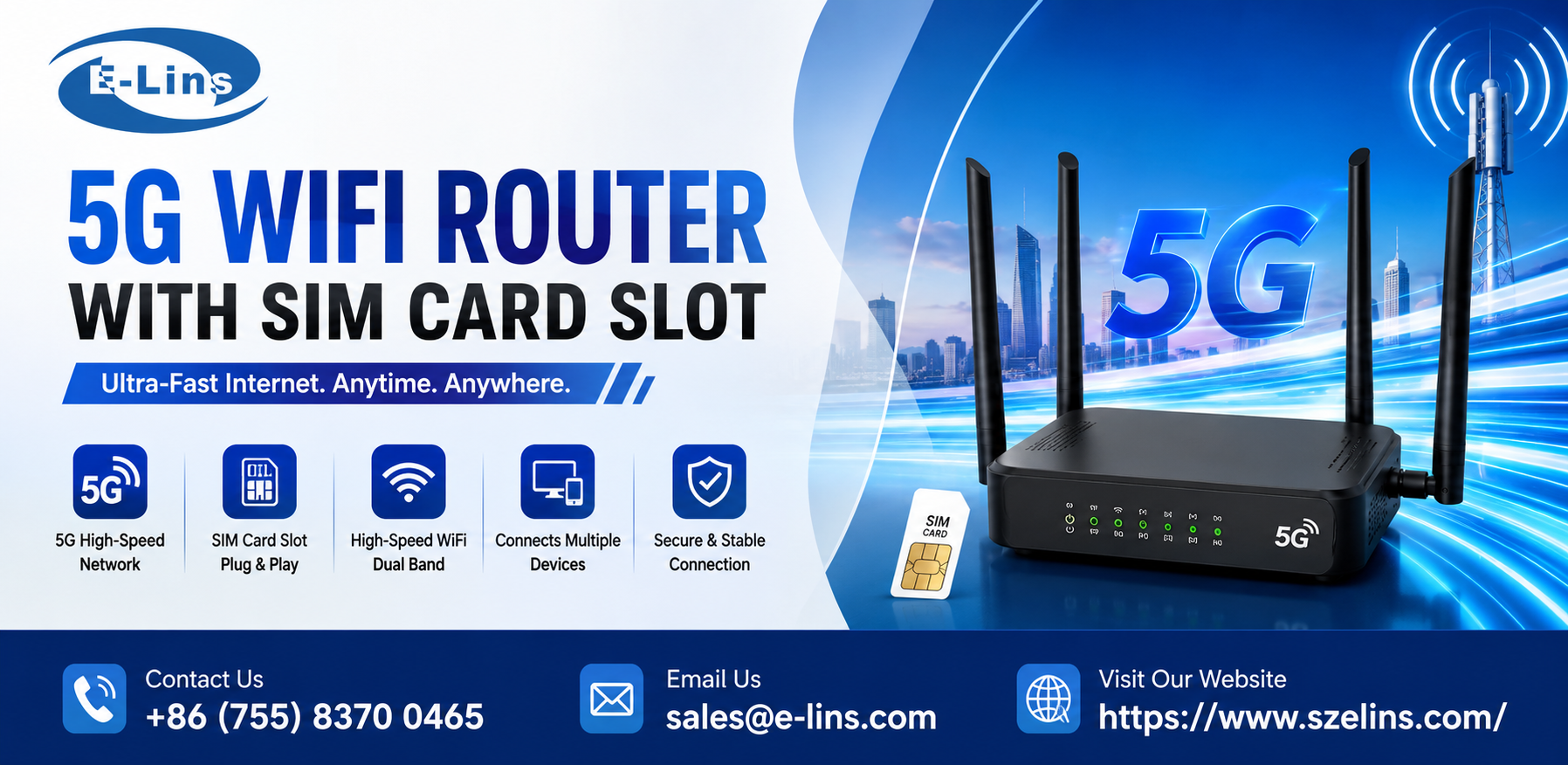
A 5G WiFi router with a SIM card slot is a networking device that connects to a compatible mobile network and distributes internet access through WiFi and, on supported models, Ethernet ports. Instead of relying exclusively on a fixed broadband line, it uses a cellular data connection to bring internet access to homes, offices, vehicles, and remote locations.
The router contains a cellular modem that communicates with a nearby 5G network. Once connected, it converts the mobile data connection into a local network that smartphones, laptops, security cameras, smart devices, and other compatible equipment can use.
Most importantly, performance depends on network coverage, supported frequency bands, the data plan, and the router’s hardware capabilities. A compatible 5G SIM card and adequate network availability are essential for achieving the best results.
How Is 5G Router Technology Transforming Wireless Connectivity?
The development of 5G networks is changing how people access and manage internet connections. Modern cellular routers offer several advantages for applications that require flexible and dependable connectivity.
Faster Internet Access
5G technology can deliver substantially higher data speeds than many older cellular technologies under suitable network conditions. This makes it useful for video conferencing, cloud applications, online collaboration, high-definition streaming, and transferring large files.
Actual speeds vary according to signal strength, network congestion, carrier capabilities, and device specifications. Selecting a router that supports the appropriate network bands can help users make better use of available 5G services.
Flexible Installation
Traditional broadband installation may require cables, professional setup, or infrastructure improvements. A SIM-based router can simplify deployment because it obtains internet access through a mobile network.
Users generally need to insert a compatible SIM card, configure the device, and position it where cellular reception is suitable. This flexibility makes cellular routers useful for temporary offices, construction sites, retail locations, and rural properties.
Support for Multiple Connected Devices
A modern 5G WiFi router can connect multiple devices to a shared internet connection. Depending on its specifications, it may support laptops, smartphones, smart TVs, point-of-sale terminals, surveillance systems, and Internet of Things equipment.
Businesses should review the router’s supported WiFi standard, maximum client capacity, Ethernet configuration, and processing capabilities before selecting a model for demanding environments.
Where Can a 5G WiFi Router with a SIM Card Slot Be Used?
The versatility of cellular networking makes these routers suitable for a wide range of applications.
- Homes and apartments: Provide an alternative internet connection where fixed broadband is unavailable or difficult to install.
- Small businesses: Connect computers, payment terminals, printers, and other office equipment.
- Remote workplaces: Deliver internet access to temporary offices, field teams, and rural work locations.
- Industrial environments: Support remote monitoring, connected machinery, telemetry, and selected IoT applications when the router meets environmental and network requirements.
- Transportation and temporary sites: Enable connectivity for mobile operations, events, and locations that require a rapidly deployable network.
For industrial deployments, businesses should also consider operating temperature, power requirements, enclosure protection, remote management, and the availability of external antenna connectors.
What Features Should Buyers Consider?
Choosing the right router involves more than comparing advertised download speeds. The device must match the intended application and the mobile network available at the installation site.
1. Network Compatibility
Check whether the router supports the 5G frequency bands used by the chosen mobile carrier. Compatibility with regional 4G LTE bands can also be valuable when 5G coverage is limited.
2. SIM Card Support
Confirm the supported SIM card format, carrier compatibility, and any configuration requirements. Some routers also provide dual-SIM functionality, which may allow users to configure a backup network or switch connections according to supported settings.
3. WiFi and Ethernet Connectivity
WiFi performance determines how effectively the router serves wireless devices, while Ethernet ports can provide wired connections for computers, industrial equipment, and network switches. Users should check the number of ports and their supported speeds.
4. Antenna Options
External antenna connectors can help users connect suitable antennas when the router supports them. Proper antenna placement may improve reception in locations with weak cellular signals, although results depend on the surrounding environment and network conditions.
5. Security and Management
Security features such as WPA2 or WPA3 support, firewall configuration, firmware updates, access controls, and remote administration can help protect connected devices. Business users should evaluate these capabilities before deploying routers across multiple locations.
Why Is a 5G Router Useful for Business Continuity?
An interrupted internet connection can affect communication, payment processing, cloud applications, and operational monitoring. A cellular router can provide a primary connection or serve as a backup option for businesses that need additional network resilience.
When configured with a suitable backup arrangement, it may help maintain access to essential online services during a fixed-line outage. However, automatic failover requires compatible networking features and appropriate configuration; it should not be assumed to be available on every model.
Organizations can also use cellular connectivity to deploy new locations more quickly, connect remote assets, and reduce dependence on wired infrastructure where installation is challenging.
How to Choose the Right Connectivity Partner
Businesses should evaluate equipment suppliers based on technical specifications, network compatibility, product reliability, documentation, and after-sales support. It is also important to confirm whether the selected router meets the environmental and operational requirements of the intended application.
SzeLins offers networking solutions for cellular connectivity applications, including 4G and 5G router options. When evaluating a suitable device, buyers should compare supported frequency bands, SIM card functionality, WiFi capabilities, Ethernet interfaces, antenna options, and management features to identify a solution that aligns with their deployment requirements.