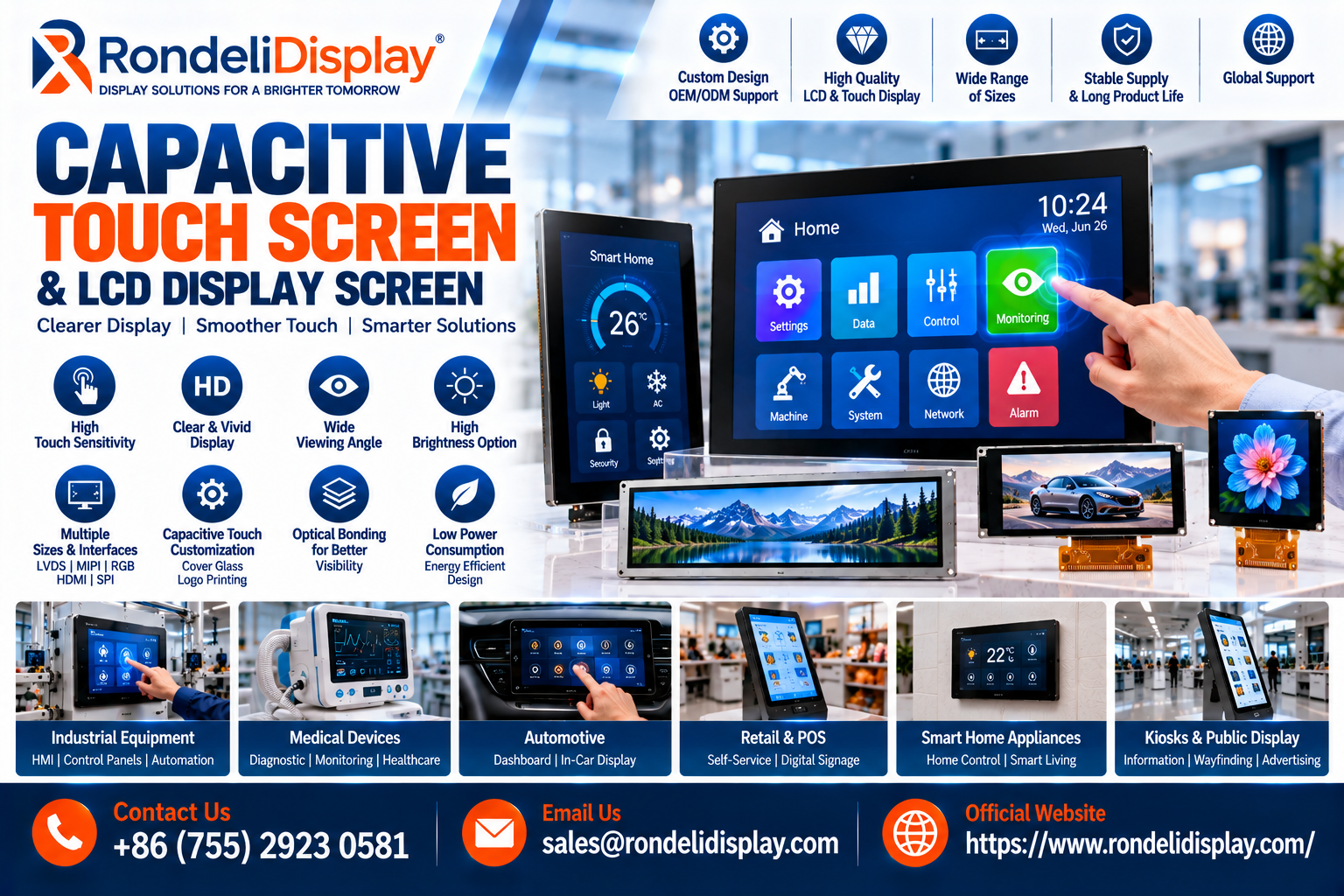
As industrial equipment, medical devices, smart appliances, automotive systems, retail terminals, handheld electronics, and IoT products become more interactive, demand for a responsive Capacitive Touch Screen continues to grow. At the same time, the lcd display screen remains a core component for delivering clear graphics, status information, menus, and digital controls across a wide range of applications.
The combination of touch sensing and visual display technology allows manufacturers to create interfaces that are more flexible, intuitive, and software-driven than traditional button-based control systems. Product developers are increasingly evaluating factors such as touch sensitivity, resolution, brightness, viewing angle, cover glass, interface compatibility, and environmental performance before selecting a display solution.
What Is a Capacitive Touch Screen?
A Capacitive Touch Screen is a touch-sensitive interface that detects changes in an electrical field when a conductive object, usually a finger, approaches or touches the surface.
Projected capacitive touch technology is widely used in modern electronics because it can support smooth and responsive interaction.
Common applications include:
- Industrial control panels
- Smart appliances
- Medical equipment
- Automotive interfaces
- Kiosks
- POS terminals
- Handheld devices
- Building automation systems
Depending on the design, capacitive touch can also support multi-touch gestures such as zooming, swiping, and rotating.
Why Capacitive Touch Technology Is Popular
A modern Capacitive Touch Screen can provide several practical advantages.
Fast Response
Capacitive technology can respond quickly to light finger input.
Multi-Touch Capability
Selected controllers can detect multiple touch points simultaneously.
Clean Front Surface
The sensor can sit behind cover glass, creating a smooth and professional appearance.
Software Flexibility
Interface functions can be changed through software instead of redesigning physical buttons.
Long-Term Usability
With appropriate materials and design, capacitive systems can support frequent interaction in commercial and industrial applications.
What Is an LCD Display Screen?
An lcd display screen uses liquid crystal technology to create visual content such as text, graphics, icons, images, and user-interface elements.
LCD technology remains widely used because it offers a good balance of visual performance, availability, power efficiency, and cost.
A complete LCD module may include:
- LCD panel
- LED backlight
- Driver IC
- Flexible circuit
- Interface connector
- Mechanical frame
- Optional touch panel
When combined with capacitive touch, the screen becomes both an output and input device.
Capacitive Touch Screen and LCD Display Screen Integration
A Capacitive Touch Screen is often laminated or assembled above an lcd display screen to create a complete touch display module.
The system typically includes three key layers:
LCD Panel
Displays graphics and visual information.
Touch Sensor
Detects finger input.
Cover Glass
Provides the front protective surface and can include custom printing or branding.
This integrated approach can simplify product design and create a cleaner user interface.
Screen Size Should Match the Application
Display size has a major influence on the user experience.
Small touch displays may be suitable for:
- Portable instruments
- Handheld equipment
- Compact controllers
- Smart home devices
Larger displays may be more appropriate for:
- Industrial HMIs
- Medical systems
- Kiosks
- Retail terminals
- Control panels
The ideal size depends on viewing distance, amount of information displayed, enclosure size, and expected user interaction.
Resolution Affects Image Quality
The resolution of an lcd display screen determines how much visual detail it can present.
Higher resolution can improve:
- Text sharpness
- Icon clarity
- Image quality
- Interface appearance
However, higher resolution may also require greater processing capability and interface bandwidth.
Designers should select a resolution that matches the product’s real requirements rather than simply choosing the highest available specification.
Brightness Is Important for Readability
Brightness requirements vary significantly by environment.
Indoor equipment may perform well with moderate brightness, while outdoor or vehicle applications may need significantly higher luminance.
Important factors include:
- Ambient light
- Backlight power
- Contrast
- Anti-glare treatment
- Power consumption
- Thermal management
A Capacitive Touch Screen installed over an LCD can also affect optical performance, making total module design important.
Cover Glass Customization
Cover glass is an important part of many capacitive touch products.
It can often be customized for:
- Overall dimensions
- Thickness
- Shape
- Border printing
- Logo printing
- Transparent display windows
- Mounting requirements
This allows the display to integrate more naturally with the final enclosure.
Customized cover glass can also help create a premium, edge-to-edge appearance.
Touch Controller Technology
The touch sensor requires a controller to interpret finger input.
Touch controllers may communicate with the main processor through interfaces such as:
- I2C
- USB
- SPI
The controller firmware can influence:
- Sensitivity
- Multi-touch support
- Noise resistance
- Glove operation
- Water tolerance
- Response behavior
For industrial applications, controller tuning may be particularly important because electrical noise and environmental conditions can vary.
Optical Bonding Improves Visual Performance
Optical bonding joins the LCD, touch sensor, or cover glass using a transparent bonding material.
Potential benefits can include:
Reduced Reflection
Removing the air gap can reduce internal reflections.
Better Readability
Improved contrast may help in bright environments.
Stronger Structure
The bonded assembly can feel more mechanically integrated.
Reduced Condensation Risk
Fewer internal air gaps can reduce moisture-related visual issues in selected applications.
Optical bonding can be especially useful for automotive, outdoor, industrial, and medical products.
Interface Compatibility Matters
An lcd display screen needs to communicate correctly with the host processor.
Common display interfaces can include:
- RGB
- LVDS
- MIPI
- SPI
- MCU interfaces
Engineers should verify:
- Pin configuration
- Operating voltage
- Data format
- Timing
- Connector type
- Resolution support
Checking interface compatibility early helps reduce redesign work later in development.
Viewing Angle Should Not Be Ignored
Many touch displays are viewed from different positions.
Wide viewing angles can help maintain:
- Image clarity
- Color consistency
- Contrast
- Text readability
This is important for:
- Industrial machines
- Vehicle interiors
- Shared medical equipment
- Public kiosks
- Retail systems
The expected installation angle should be considered before the display is selected.
Industrial Applications
The Capacitive Touch Screen is increasingly common in industrial HMI equipment.
Operators may use it to:
- Change settings
- Monitor production
- View alarms
- Control processes
- Access maintenance information
Industrial systems may require:
- Wide operating temperatures
- Durable cover glass
- Strong touch performance
- Long product availability
- Reliable supply
The user interface should also use appropriately sized buttons and clear visual hierarchy.
Medical and Healthcare Applications
Touch-enabled displays are widely used in:
- Patient monitoring
- Diagnostic systems
- Laboratory equipment
- Portable medical devices
Designers may prioritize:
- Easy-to-clean surfaces
- Clear image quality
- Reliable touch response
- Stable long-term operation
The exact requirements depend on the finished device and applicable regulations.
Automotive and Transportation Applications
Touch displays are also becoming more common in transportation systems.
Applications include:
- Infotainment
- Vehicle controls
- Charging systems
- Passenger information
- Specialized commercial equipment
Automotive displays may need to withstand temperature variation, vibration, and changing lighting conditions.
High brightness and wide viewing angles may also be important.
Retail and POS Applications
A lcd display screen with touch functionality is widely used in:
- Checkout terminals
- Ordering kiosks
- Self-service machines
- Information displays
- Digital payment equipment
These applications typically require responsive touch, durable construction, and clear visual presentation.
Frequent daily use also makes long-term reliability important.
Customization for OEM Projects
Standard displays do not fit every product.
Customization may include:
- Screen size
- Brightness
- Resolution
- Touch sensor
- Cover glass
- FPC design
- Connector position
- Interface
- Backlight
- Mechanical structure
Custom solutions can help manufacturers integrate the display precisely into the final enclosure and electronics architecture.
Reliability Testing
A touch display should be tested under conditions that resemble its final use.
Typical testing may include:
- Touch accuracy
- Brightness measurement
- Visual inspection
- Interface testing
- High-temperature testing
- Low-temperature testing
- Humidity exposure
- Backlight evaluation
- Mechanical fit testing
- Cover-glass inspection
Industrial and automotive applications may require additional environmental testing.
Frequently Asked Questions
What is a Capacitive Touch Screen?
A Capacitive Touch Screen is a touch interface that detects changes in an electrical field when a conductive object, such as a finger, interacts with the surface.
What is an LCD display screen?
An lcd display screen uses liquid crystal technology and a backlight to display text, graphics, images, and user-interface content.
Can capacitive touch support multi-touch?
Yes. Many projected capacitive systems can support multiple simultaneous touch points.
Can touchscreens work with gloves?
Some capacitive solutions can be tuned for selected gloves, depending on sensor and controller design.
Can an LCD display include touch functionality?
Yes. Capacitive or resistive touch layers can be integrated with an LCD.
What interfaces are commonly used?
LCD interfaces may include RGB, LVDS, MIPI, SPI, and MCU, while touch controllers may use I2C or USB.
Can cover glass be customized?
Yes. Dimensions, thickness, printed borders, logos, and transparent areas can often be customized.
What is optical bonding?
Optical bonding joins display layers using transparent adhesive to reduce reflections and improve visual performance.
Are capacitive touch displays suitable for industrial use?
Yes. Properly designed modules can support industrial applications requiring durable touch surfaces and wider environmental performance.
What information is needed for a quotation?
Useful details include screen size, resolution, brightness, touch requirements, interface, cover glass, operating temperature, quantity, and mechanical drawings.
Media Contact
Capacitive Touch & LCD Display Enquiries
Email: sales@rondelidisplay.com
Official Website: https://www.rondelidisplay.com/